Setup guide
08 device types
Get streaming in
under 10 minutes.
Pick your device below for a simple, step-by-step walkthrough. Works with Firestick, Smart TV, Android, iOS, Apple TV, computers, MAG boxes and more.
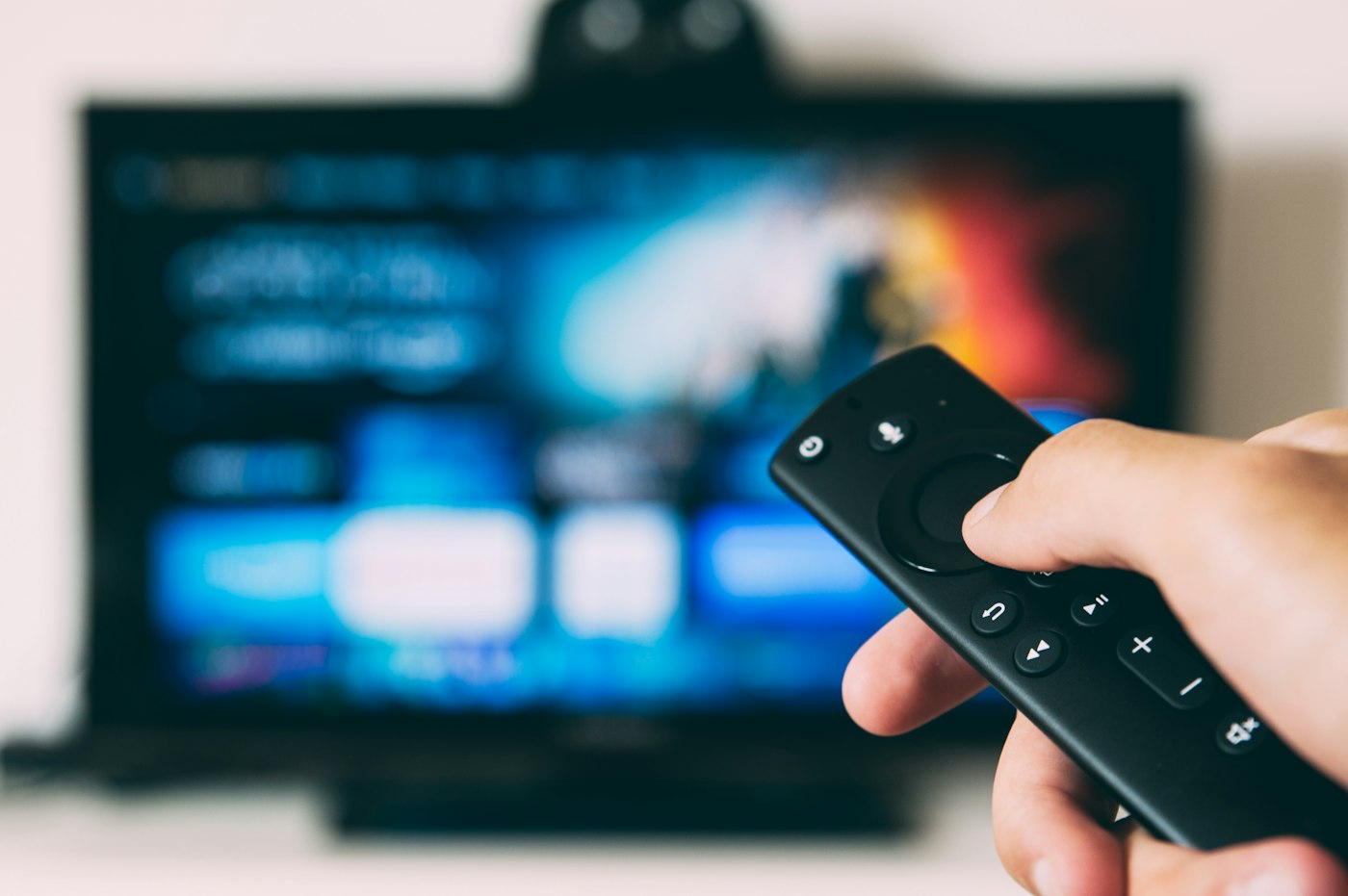
Works on every screen
Firestick · Smart TV · Android · iOS · Apple TV
Amazon Firestick / Fire TV
- 01From the Fire TV home screen open the search bar and install the Downloader app.
- 02Enable Apps from Unknown Sources under Settings › My Fire TV › Developer Options.
- 03Open Downloader and enter the IPTV player URL (e.g. iptv-smarters or IBO Player).
- 04Install the player, then enter the username and password from your activation email.
Use Ethernet or 5 GHz Wi-Fi
Wired or 5 GHz connections give the smoothest 4K and 8K playback.
Keep your player updated
Update your IPTV player regularly for the best compatibility and EPG.
Never share your login
Your username and password are personal. Sharing can get your account blocked.
Stuck? We'll help
Message support 24/7 and we'll walk you through every step.
Supported devices
Connect the screen you already own
Compatibility depends on your device and player. If you're unsure, ask us before ordering and we'll confirm the best setup for you.
Ask us before ordering- Smart TVs · Samsung / LG
- Android / iOS
- Windows / macOS
- Android Box / Firestick
- MAG / STB
- Linux
- Apple TV
- Roku / Enigma2 · Ask us
Player setup, explained
What is Xtream Codes?
Xtream Codes is a login method used by many IPTV players. Instead of a long M3U link you enter a server URL, username and password. Your activation email provides all three.
What is an M3U link?
An M3U link is a single URL that contains your playlist. Some players ask for it instead of Xtream Codes — both work with Lemo TV.
Why do I need a player?
Your subscription provides the streams; an IPTV player is the app that displays them on your device. Popular choices are IBO Player, IPTV Smarters, TiviMate and Kodi.
Can I use more than one device?
Yes — the number of devices in your plan equals the number of simultaneous streams. Add devices at checkout or later from your client area.
Start streaming with Lemo TV today
65,000+ live channels, 100,000+ movies & series and 24/7 support. One payment, no contracts.
- Free trial available
- Fast activation
- Secure checkout
- Works worldwide